
How to Download Your X Archive (and What You Can Do With It)
Download a full copy of your X posts, likes, followers and DMs in a few taps, then put it to work as a backup and a record of your best writing.
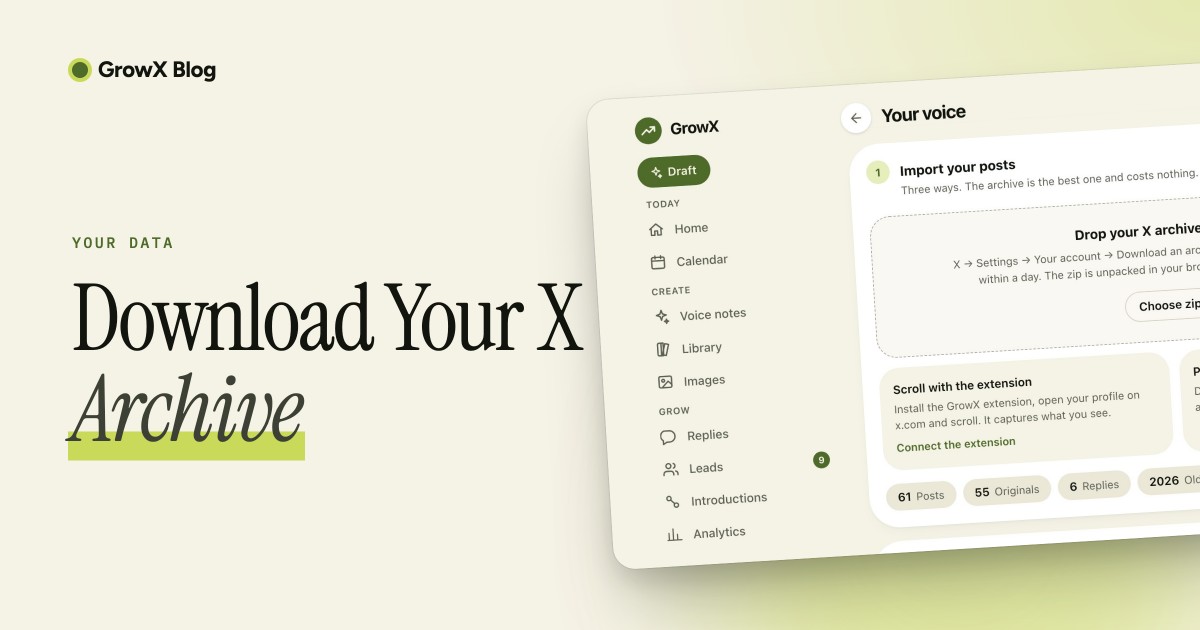
To download your X archive, open Settings and privacy, go to your account data section, confirm your identity with a verification code and request your data. X prepares a ZIP file, emails you when it is ready and gives you a limited window to download it. The ZIP holds your posts, likes, followers, direct messages and more, plus a viewer you can open in any browser.
1. Request your archive on the web
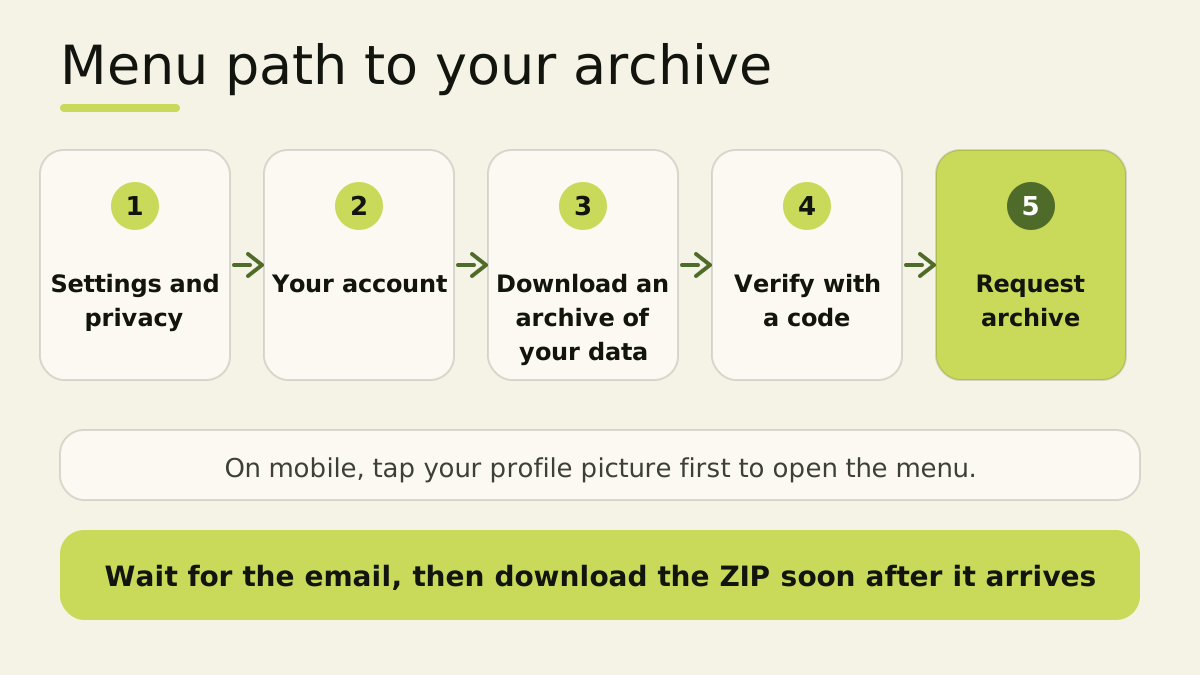
- Log in at x.com and open More in the left-hand menu.
- Choose Settings and privacy, then Your account.
- Select Download an archive of your data. Some accounts see this section as Your X data.
- Enter your password when X asks, then enter the verification code X sends to your email or phone.
- Click Request archive (or Request data next to X).
Menu names move around between updates. X keeps the current steps on its archive help page.
2. Request your archive on iOS or Android
- Tap your profile picture in the top-left corner and choose Settings and privacy.
- Tap Account, then Your X data (some versions say Download an archive of your data).
- Verify your identity with the code X sends to your email or phone.
- Tap Request data next to X.
If you have no email address or phone number on file, X sends you to your account information page to add one first.
3. Wait for the notification
X builds your archive in the background. Many people receive it within a day, and larger or older accounts can take longer, so plan on up to a couple of days. X sends an email to your confirmed address, or a push notification when you have the app installed, once the file is ready.
Look in your spam or promotions folder if the email seems late, and make sure you check the address linked to the right X account.
4. Download it before the link expires
- Open the email while logged in to X and click Download. You can also return to the same settings page, where the request button turns into a download button.
- Save the ZIP file to your computer.
Third-party guides put the download window at roughly a week. X does not guarantee a fixed number, so download soon after the email arrives. If the link expires, request a new archive.
5. See what is inside
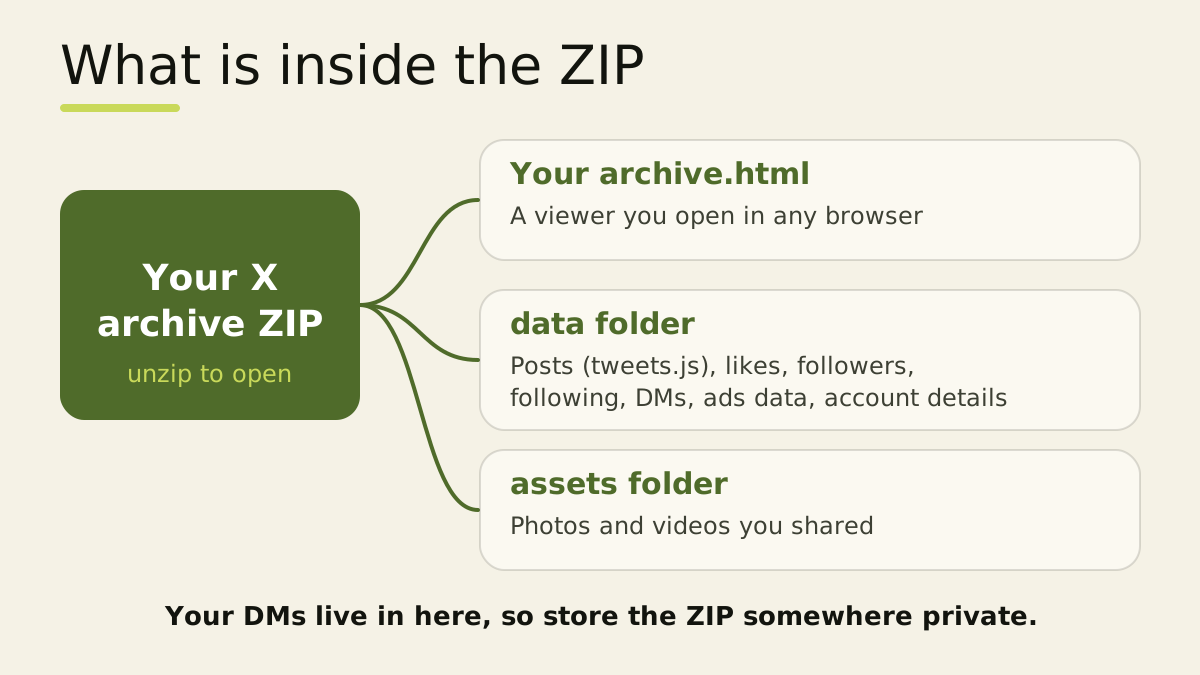
Unzip the file and you will find:
- Your archive.html: a viewer you can open in a browser to look through your data.
- A data folder: your posts (
tweets.js), likes, followers, following, direct messages, ads data and account details. - An assets folder: photos and videos you shared.
The data files use a .js wrapper around JSON, which most developer tools read after a quick cleanup.
6. Protect your archive
Your archive contains private material, including your direct messages and account details.
- Store the ZIP on an encrypted drive or in a password manager's secure files.
- Share it only with tools you trust, and check their privacy policy first.
- Delete extra copies from shared folders and downloads.
- Treat any email or DM asking for your password or archive as a scam. Request and download only from x.com or the official X app.
7. Put your archive to work
- Back up your history. A saved copy of your posts and conversations stays with you if you ever leave the platform or lose access.
- Review your best posts. Open the viewer, sort through your posts and find the ones that earned the most replies and likes. Repeat those formats and topics. Our guide to the best time to post on X helps you decide when to share them.
- Teach a writing tool your voice. Years of your own posts show exactly how you phrase things. GrowX lets you drop in the official X archive ZIP on its voice setup screen. The ZIP is unpacked in your browser and only your posts are sent, so GrowX can learn your voice from your own words.
- Spot your growth path. Your followers file and posting history tell the story of what worked. Read how to grow on X in 2026 for ideas to build on it.
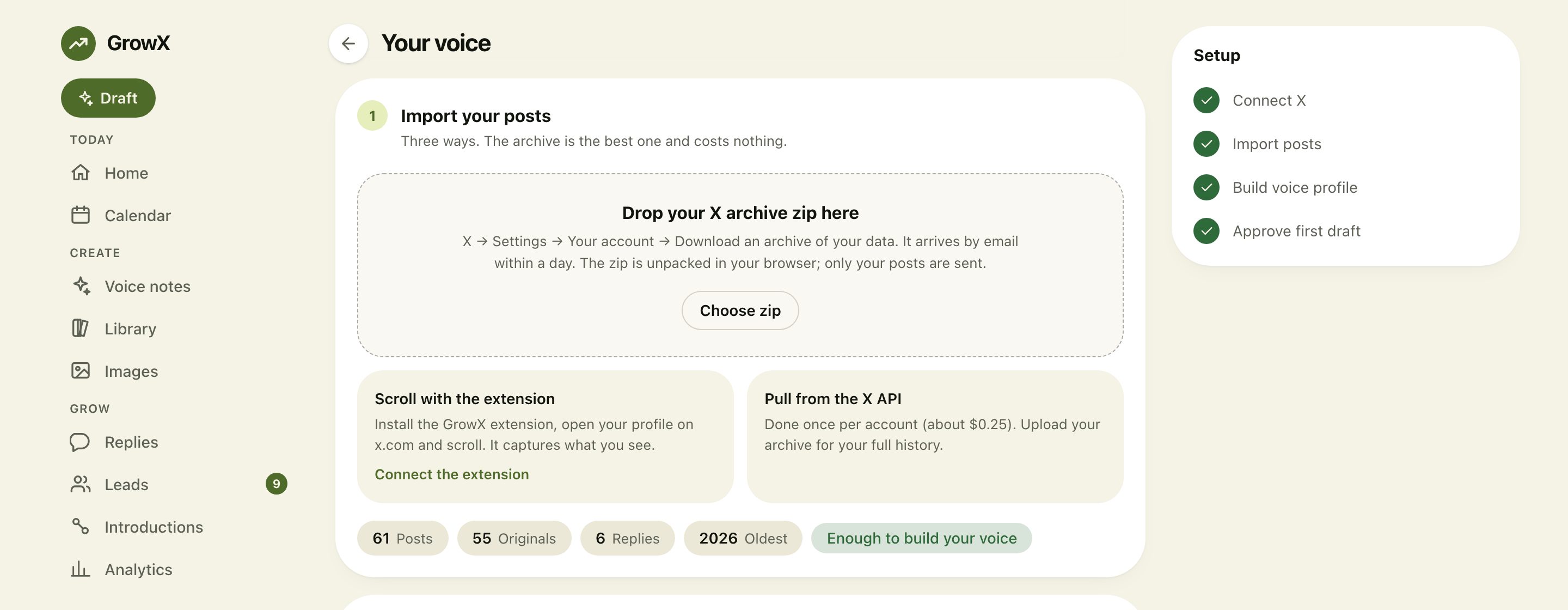
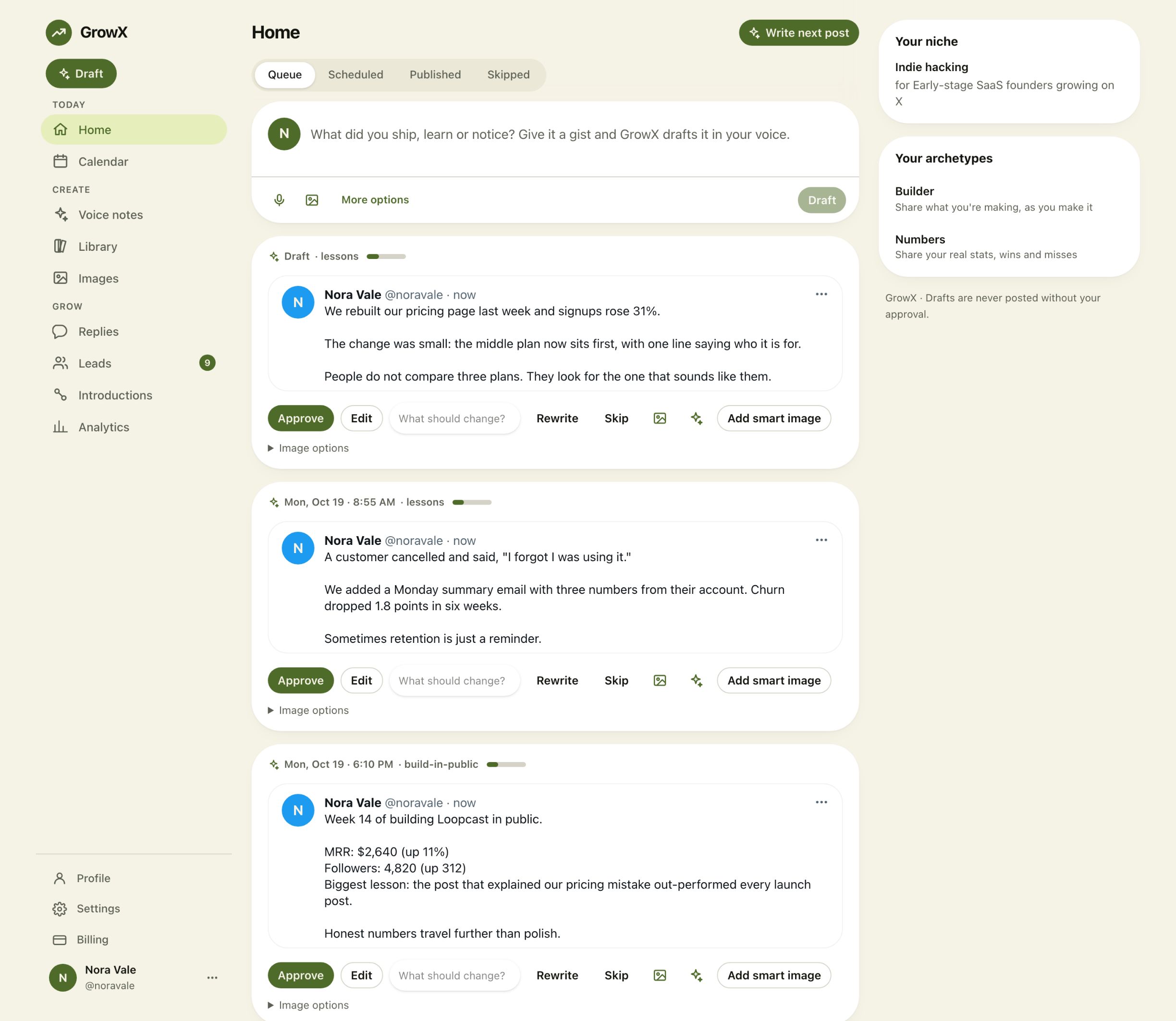
Once your voice is built, new drafts sound like you from the first line. They appear in the Home queue, where you approve, edit or rewrite each one.
8. Set realistic expectations
Most archives arrive within a day, and large or older accounts can take a couple of days. The time varies with how much history your account holds. A few hundred posts give a writing tool plenty to learn from, and the more you have written, the clearer your voice becomes. Request a fresh archive whenever you want an updated snapshot.
Frequently asked questions
How long does an X archive take to generate?
Often within a day, sometimes up to a few days for large accounts. X emails you or sends an app notification when it is ready.
Does the archive include my DMs?
Yes. Your direct messages are part of the data, which makes secure storage important.
How long can I download my archive?
You get a limited window after the email arrives, commonly described as about a week. Request a new archive if the link expires.
Can I request an archive more than once?
Yes. Request a fresh archive whenever you want an updated snapshot, for example before a big change to your account.
Why is my archive button missing?
X may still be building the file. When it finishes, the request button changes to a download button. Check the confirmation email and your spam folder too.
Related articles
- How to Grow on X in 2026
- The Best Time to Post on X
- How to Schedule Posts on X
- How to See Who Unfollowed You on X
Turn your history into your next post
Your archive holds years of ideas written in your own words. GrowX learns your voice from it, turns a one-line idea or voice memo into a finished post and schedules it for you.